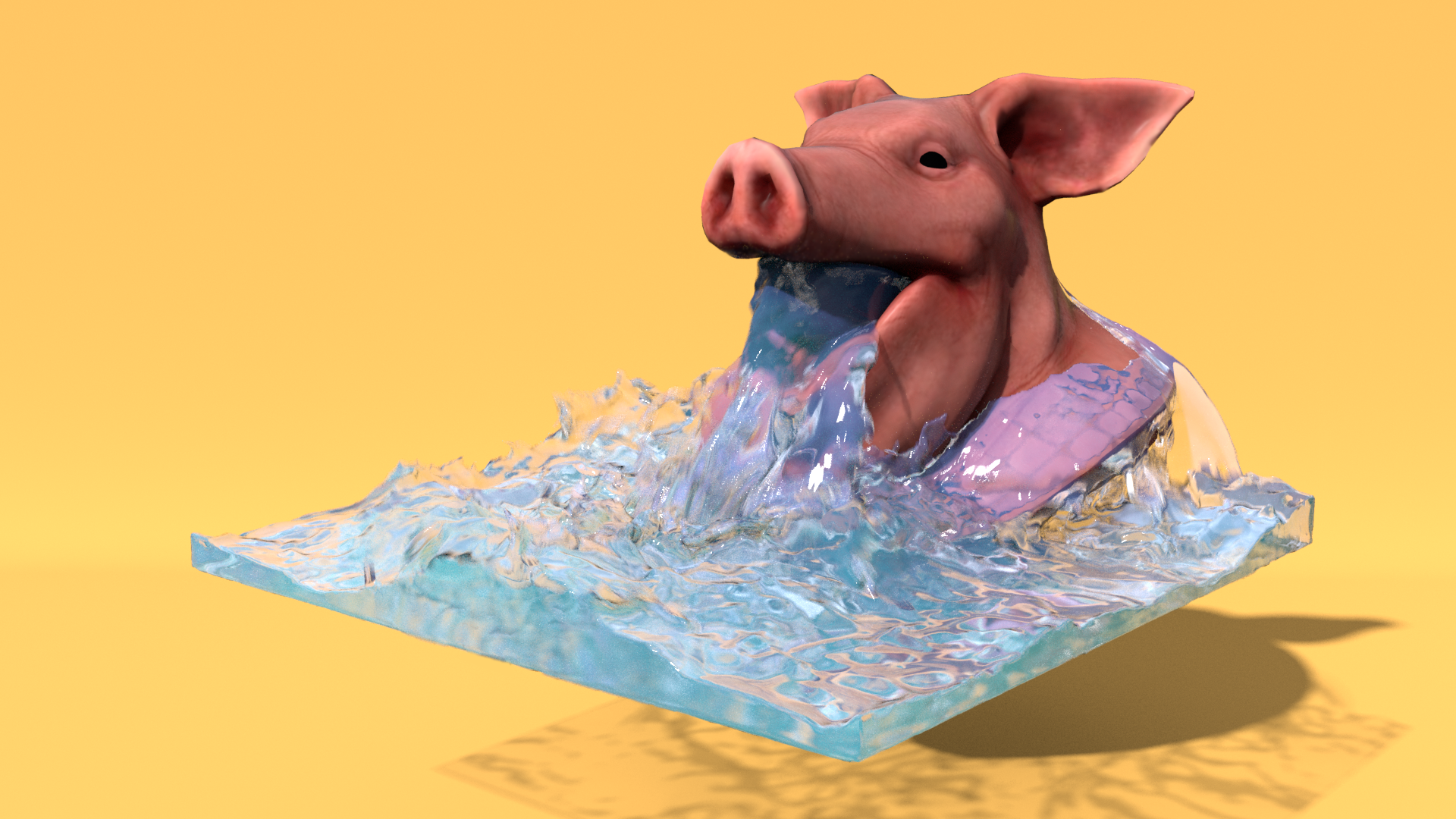
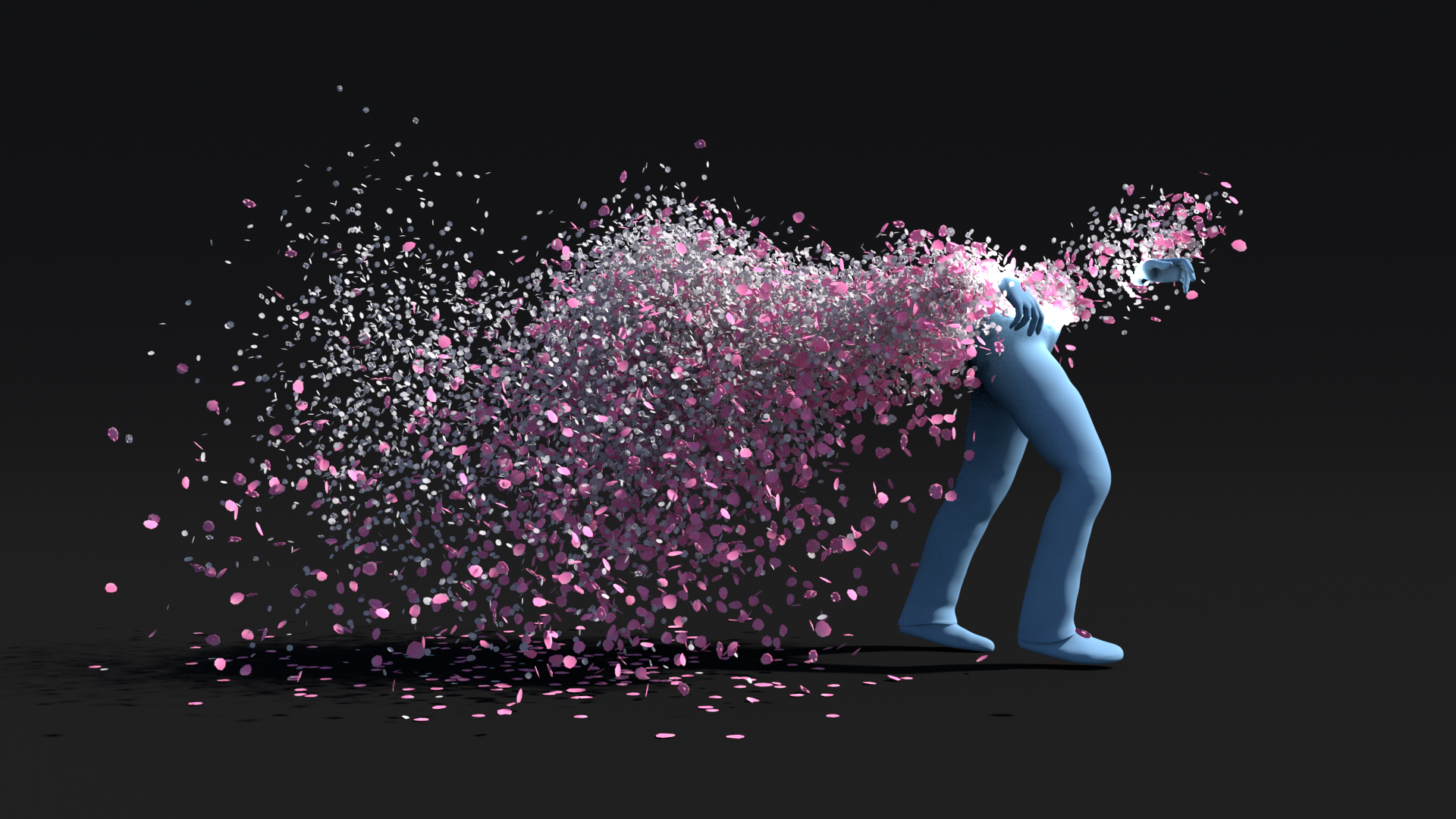
Use Vellum to make complex fluid interaction!
Read MoreApplied Houdini Fluids III - Ocean Flat Tank preview
Liquids III - Ocean Flat Tank
Create an ocean with an integrated FLIP simulation and whitewater!
Read MoreApplied Houdini Liquids II - Rapid Rivers preview
Liquids II - Rapid Rivers
Make a FLIP river simulation with whitewater, wetmaps, and more!
Read MoreLiquids I - Fundamentals
Start making liquid simulations with the FLIP solver!
Read MoreParticles VI - Programming Behavior
Use VEX programming to control particles!
Read MoreParticles V - Grains
Make snow/sand effects with grains in the Vellum Solver!
Read MoreParticles IV - Physical Instances
Simulate massive amounts of particles as though they were physical objects!
Read MoreParticles III - Sparks and Lightning
Create advanced sparks and lightning energy bolts with custom motion blur!
Read MoreParticles II - Velocity Fields
Create advanced particle flows using velocity fields!
Read MoreParticles I - Fundamentals
Get started with particles now!
Read MoreRigids VI - Advanced Chains
Create, control, and break chains!
Read MoreRigids V - Dynamic Blasts
Rapid fire rigid and particle bursts!
Read MoreRigids IV - Terrain Destruction
Rapidly fracture and control terrain destruction!
Read MoreRigids III - Vehicle DEFORMATION
Metal deformation and joint articulation for destroying vehicles!
Read MoreRigids II - Structure Destruction
Rigid constraints and forces to break buildings!
Read MoreApplied Houdini Rigids I version 2.0 - Fundamentals is here!
Rigids I - Fundamentals
Get started with rigid body destruction!
Read MoreVolumes VI - Controlling Magic
Create magical effects with volume deformations and custom velocity fields!
Read MoreVolumes V - Explosions
All about explosion simulation and rendering!
Read MoreVolumes IV - Interaction
Control complex volumes with particles and collisions!
Read MoreLearn more about how to make efficient simulations and renders today here: bit.ly/36y4Qee
In this lesson, we're going to talk about how to make a detailed, colorful, and fast smoke simulation by taking advantage of the Sparse Pyro solver. We'll start by sourcing our smoke with a particle simulation, and see just how the Sparse solver works to help us achieve high resolution results faster. We'll go over the most common types of lights and how they work with volumes, which we can then control further with material settings. We'll also cover a lot of universal volume rendering concepts, and how we can apply them to Mantra to both iterate faster interactively, while also making effecient high quality renders. Finally, these images will be manipulated post-render with Houdini's own compositing tools, to make our final images. Run better sims and understand more deeply how volumes are shaded and rendered today with Applied Houdini!
Applied Houdini is a production quality oriented series created by Steven Knipping (imdb.com/name/nm3725241/), currently a Senior Rigid Body Destruction / FX Technical Director at Lucasfilm's Industrial Light & Magic (Star Wars: Rise of Skywalker, Avengers: Endgame, Aquaman). Benefit from production proven workflows while also getting an in depth explanation of why things works they way they do. Best of all - each video is crammed with actual information and footnotes instead of gratuitous talking and dead space!
Volumes III - Rendering and Sparse Simulation
Making efficient, high quality volume renders! (Plus the sparse solver!)
Read More